Enhanced Features for Greater Efficiency
Tailored Screens
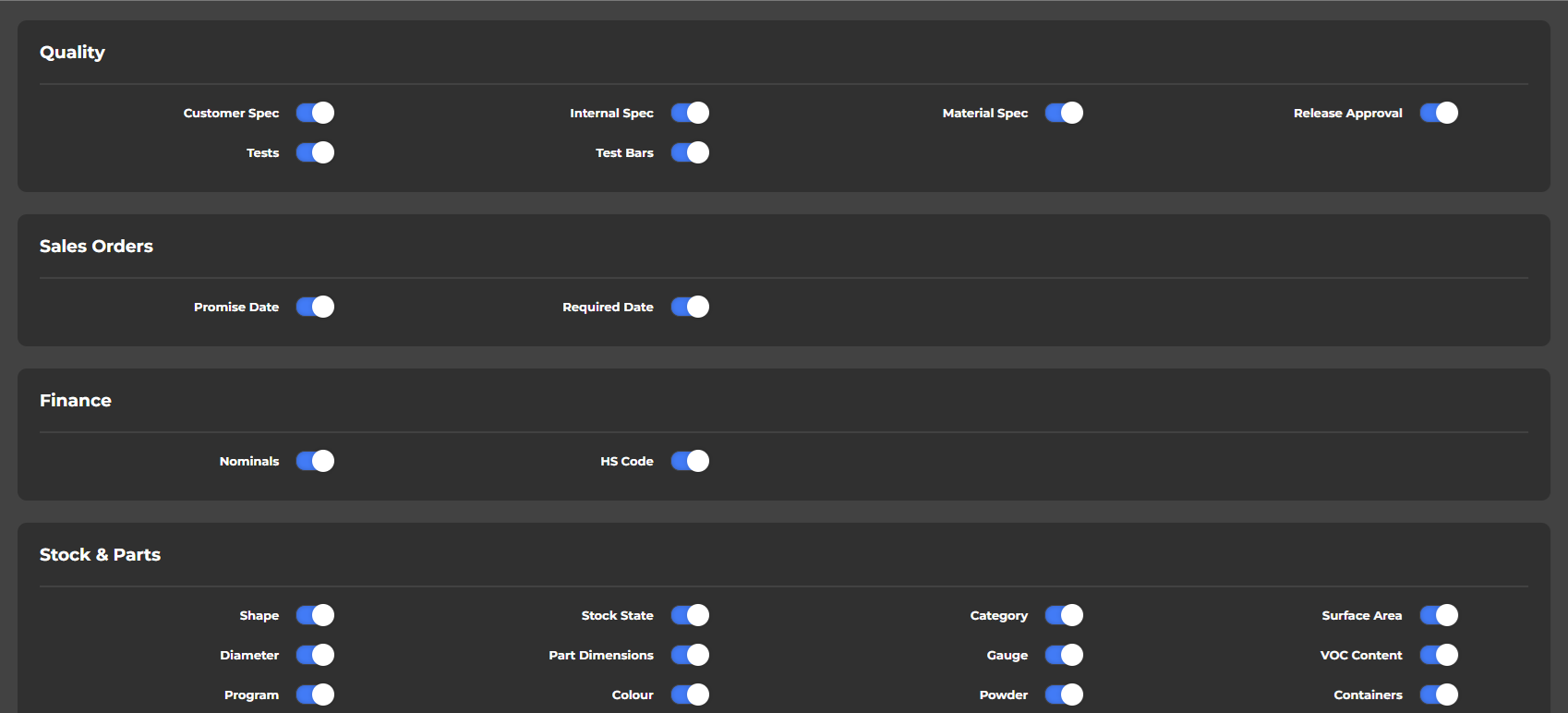
Tailor your interface to match your specific workflow and preferences. With our intuitive customisation options, you're empowered to create an environment that truly works for you. If a feature or module doesn't fit your daily operations, simply hide it. This declutters your screen, eliminates distractions, and ensures that the tools you need are always front and centre, leading to a more efficient and focused experience.
Sleek Interface
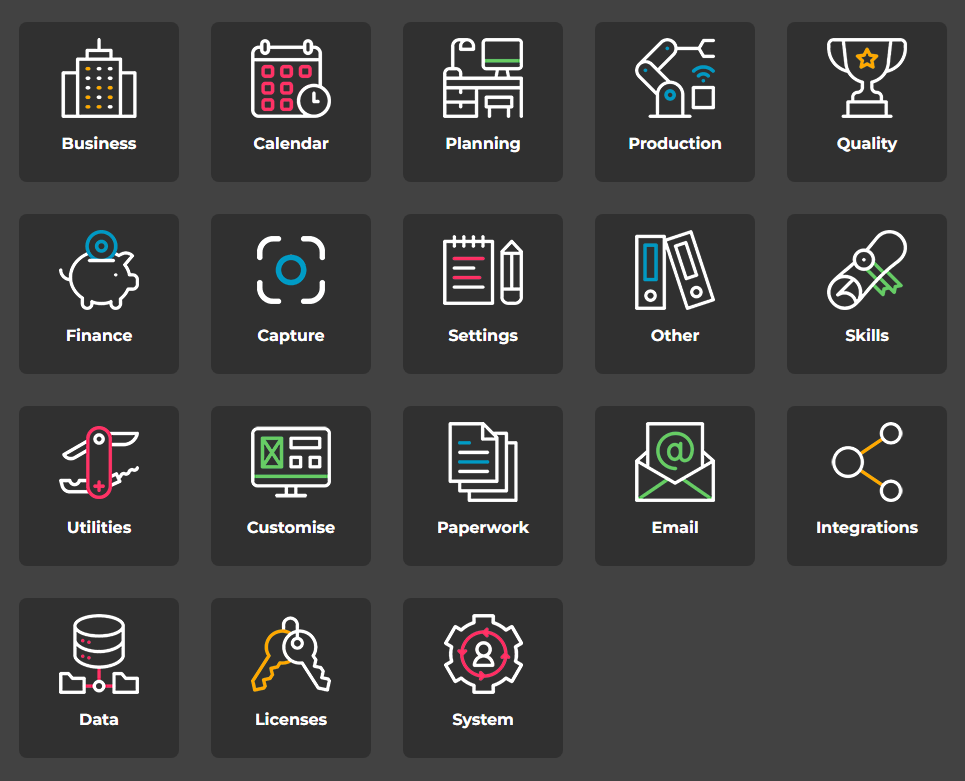
Experience an intuitive interface designed for efficiency and comfort. Our software boasts a clean, modern aesthetic that's not just visually appealing, but also incredibly easy to navigate. Every element is thoughtfully placed, ensuring a seamless user experience that minimizes the learning curve and allows your team to get straight to work and boosting overall productivity throughout the day.
Easy Navigation Through Related Links
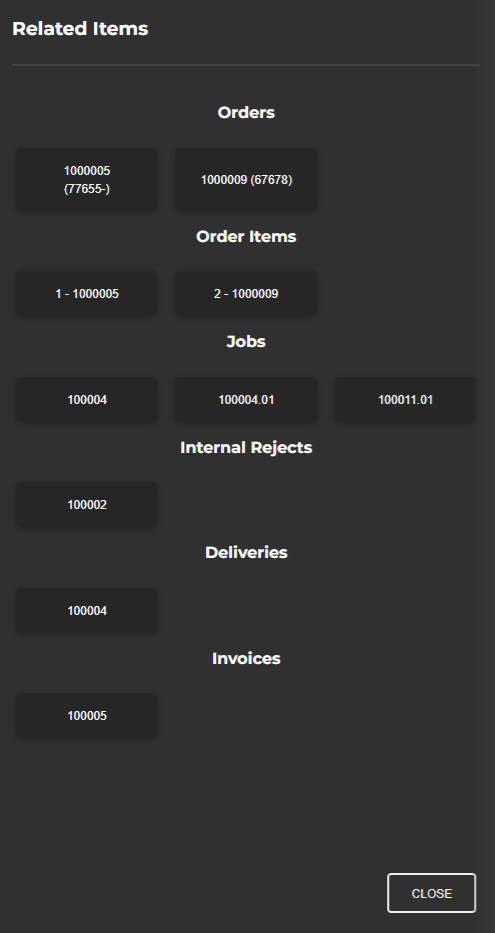
Say goodbye to endless searching and menu hopping. With intelligent linking, our software intelligently connects the dots, allowing you to rapidly navigate between related records and drill-down into the specifics you need. This powerful feature brings crucial information directly to your fingertips, transforming complex data sets into an easily explorable landscape, and significantly boosting your operational efficiency and overall user experience.
Attachments At Your Fingertips
Never search for a misplaced document or video again. Our software provides seamless, integrated file management to securely manage diverse media types like never before. Effortlessly attach assembly diagrams, quality checklists, video instructions, or test results directly to relevant operations and records. This powerful capability instantly enriches your data with valuable context, enabling rapid visual verification, clearer communication, and empowering your team with all the information they need, precisely when they need it.

Detailed Audit Trails
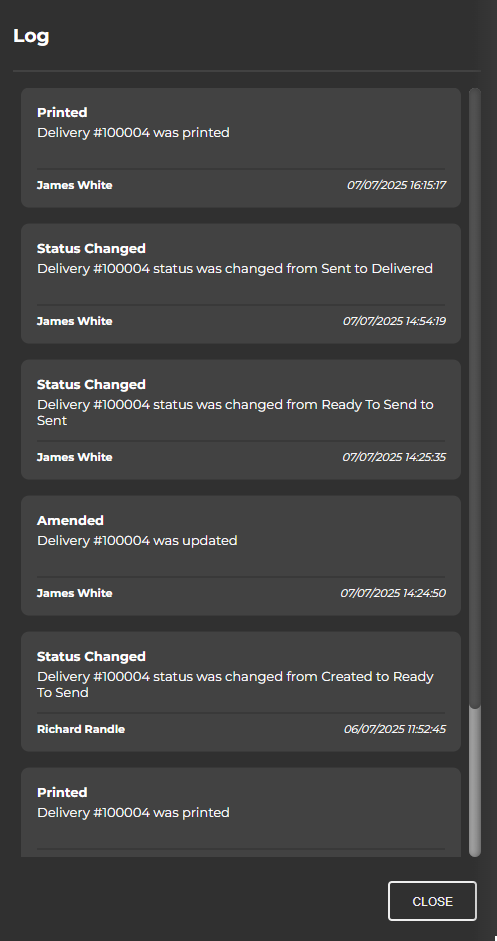
Maintain complete transparency and a crystal-clear record of every action. Our software incorporates comprehensive event logging, meticulously capturing all system activity, user interactions, and data modifications. This provides detailed audit trails that show precisely who did what, when and where, down to the smallest change. By offering this granular insight, we ensure full accountability for all activity, empowering you to easily trace issues, troubleshoot processes and demonstrate compliance with unparalleled confidence.